TMTeo Marlow
War Thunder: how to start without wasting your first week
Pick one nation, pick one mode, and understand how the research trees work before you queue for your first battle.
One battle, three kinds of vehicles
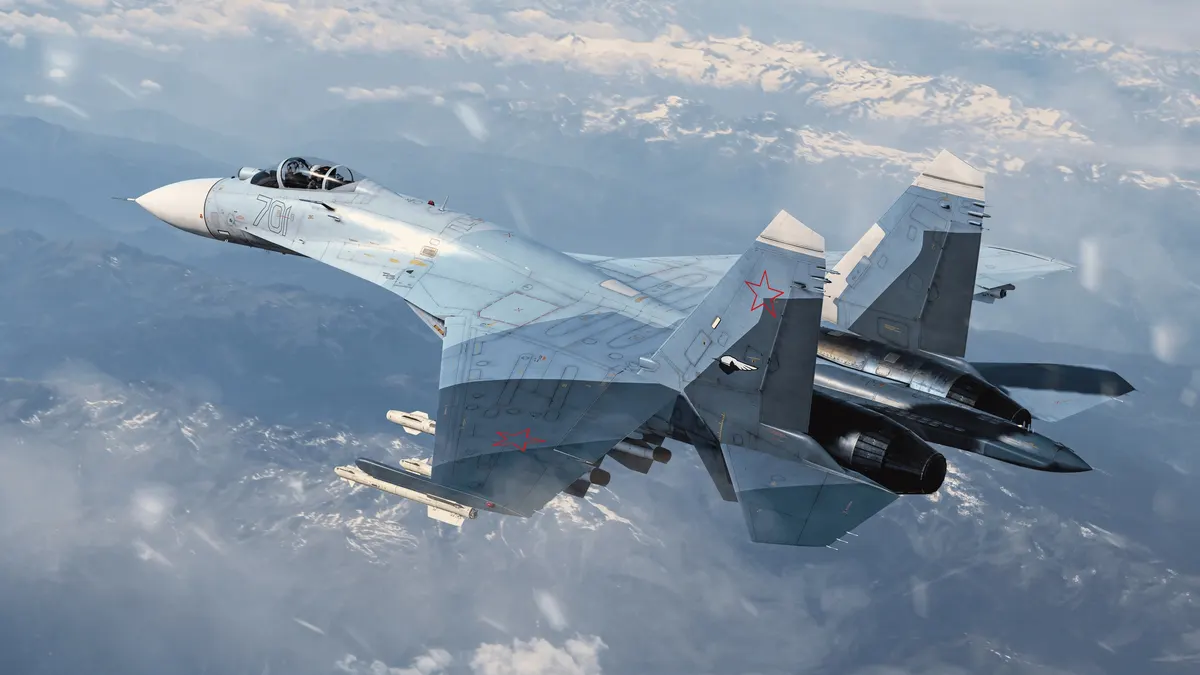
War Thunder puts tanks, planes and ships from several eras into the same battles. You can spend one evening in a ground vehicle and the next in a fighter without changing games. Matches are player versus player, with co-op modes on the side. That range is the reason to try it. It is also the reason the first week can feel confusing, so it helps to narrow your choices early and widen them later.
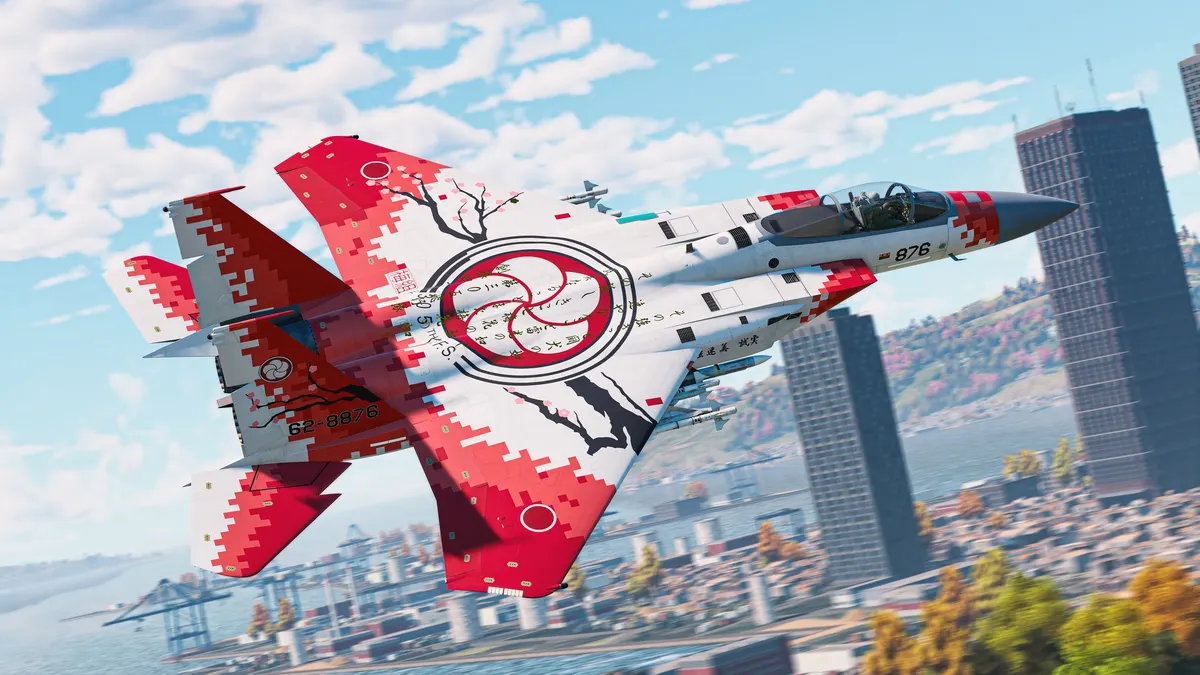
Pick one nation and stay there for a while
Each nation has its own research tree, and every vehicle in it unlocks by playing. You do not pay to skip a tier, and every unlock stays with you. The practical advice is to pick one nation and one vehicle type for your first days. Spreading your research across three nations means three slow starts instead of one steady one. Choose by the machines you want to drive, not by what you think is strongest on paper.
Arcade, realistic or simulation
The three modes change how the same vehicle feels, and you can switch between them whenever you like.
- Arcade: the simplest handling. The right place to learn maps and controls.
- Realistic: fewer aids, so positioning and knowing your vehicle count for more.
- Simulation: the most demanding of the three. Try it once the other two feel easy.
There are also co-op modes if you want to learn a vehicle alongside other players rather than against them.
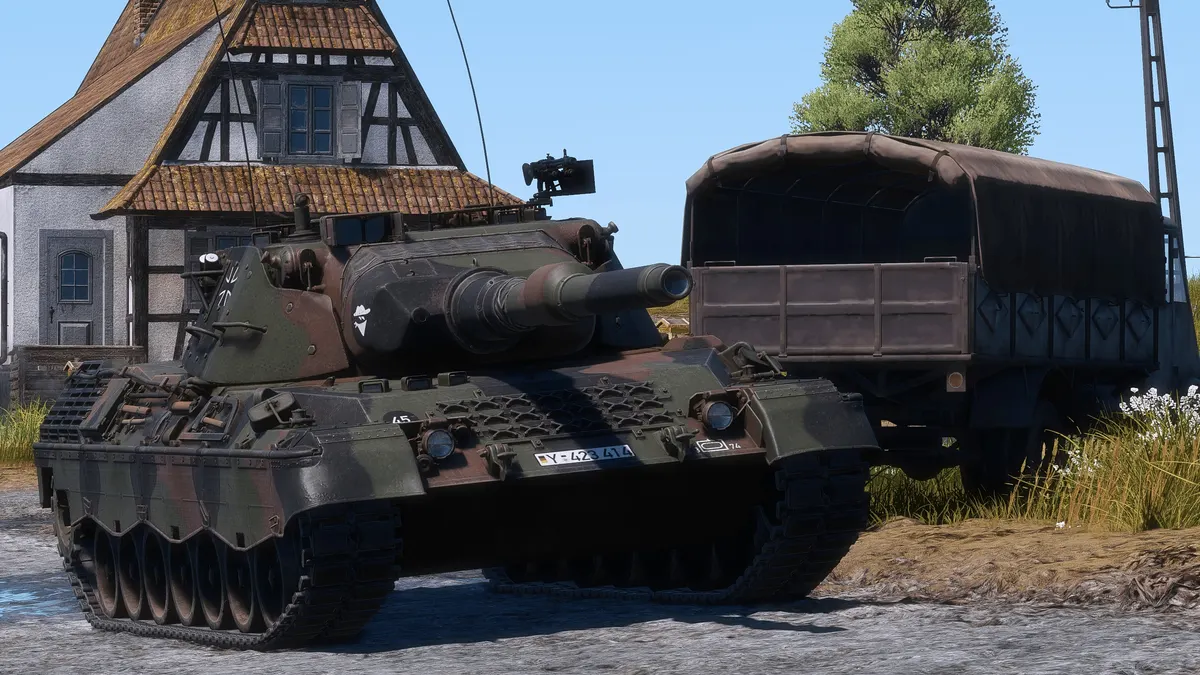
What slows down
The honest part: progression is quick in the low ranks and slows down a lot in the high ones. Reaching the top of a tree takes a long time, and the later vehicles ask for more hours per unlock. If you only care about the vehicles at the end of a tree, expect a long road. If you enjoy the earlier ones on the way there, the road is the game.
Will it run on your PC?
War Thunder runs on Windows and Mac. The minimum graphics card is a GTX 660, and a GTX 1060 gives you a comfortable experience. Plan for about 70 GB of disk space. The Sky Odyssey update arrived in September 2026, so the version you download today is current.
Start with one nation, learn in arcade, and move to realistic once you stop losing vehicles to the map rather than to the enemy. War Thunder is free on PC.
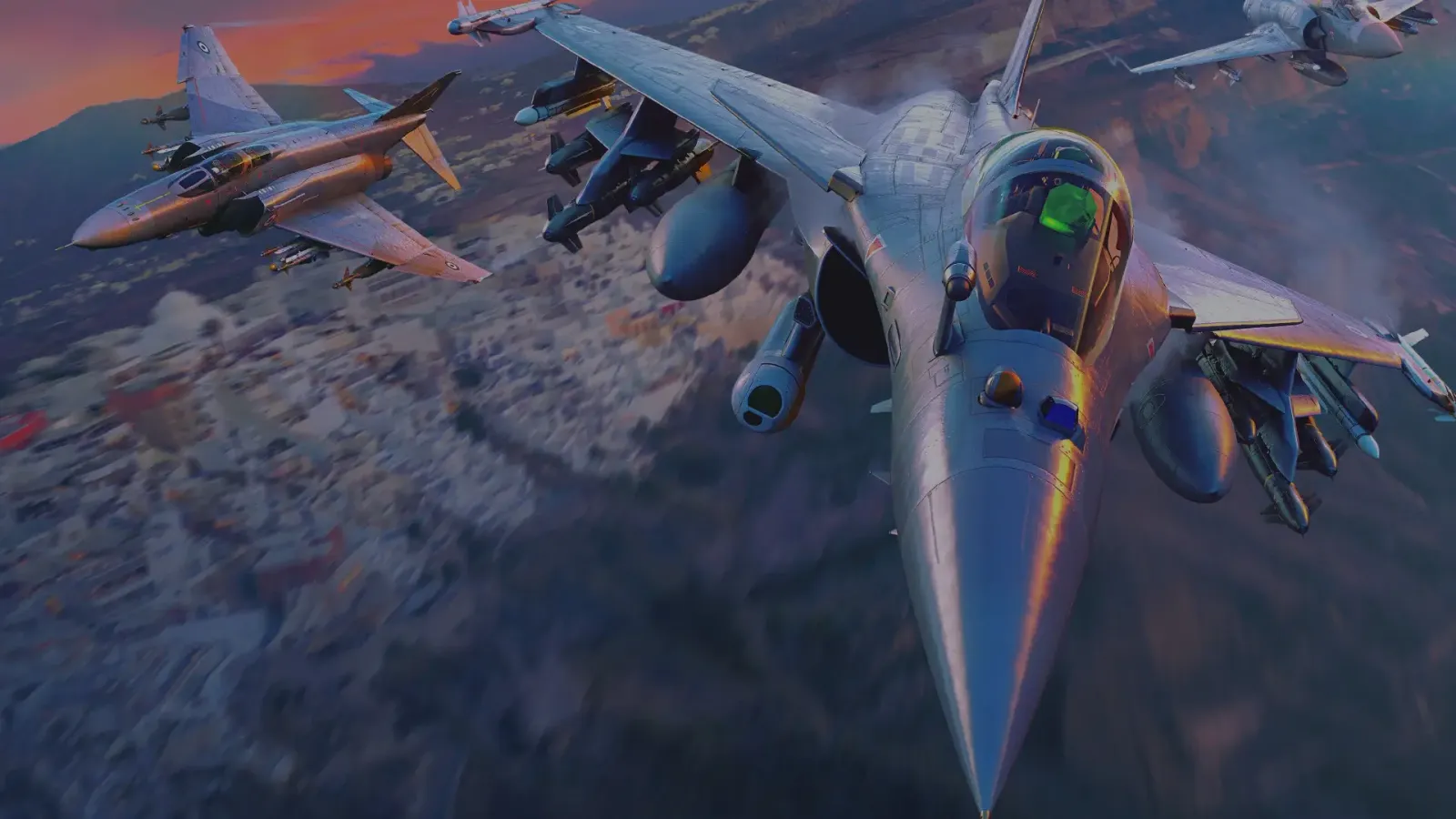
Free to Play · War Thunder
Tanks, planes and ships. One battlefield.
Play War Thunder freeFree · Windows & Mac · 70 GB · official launcher